
Warehouse management software pricing catches even experienced logistics leaders off guard. The quoted monthly fee is rarely the number that matters. Between deployment choices, integration complexity, user tiers, and support contracts, the real cost of a WMS can run two to three times the base license price before your team processes a single order. If you're a 3PL operator, ecommerce brand, or distributor evaluating platforms right now, you need a clear framework for what actually drives WMS costs, not just a vendor quote. This article breaks down every major cost driver, explains the most common pricing structures, and helps you align your budget with the operational outcomes you actually need.
Table of Contents
- Key factors that influence warehouse software costs
- Common pricing models for WMS solutions
- Hidden and variable costs to watch for
- Feature needs and operational requirements: Value vs. spend
- What most buyers get wrong about warehouse software costs
- Streamline your WMS search with expert tools
- Frequently asked questions
Key Takeaways
| Point | Details |
|---|---|
| Cost drivers | Software type, user count, integrations, and deployment method all drive WMS pricing. |
| Pricing models | Choose between subscription, perpetual, or usage-based, considering long-term costs. |
| Hidden charges | Be alert for extra fees like implementation, support, and integration costs. |
| Align features and ROI | Prioritize must-have features that deliver concrete operational improvements for your budget. |
Key factors that influence warehouse software costs
Understanding WMS pricing starts with recognizing that no two deployments are identical. The same platform can cost dramatically different amounts depending on how your operation is structured, what systems you already run, and how fast you plan to grow. WMS platform pricing is determined by core software type, user count, integrations, and support models, which means every one of those variables is a potential cost lever.
Here are the primary factors that shape what you'll pay:
- License model: Subscription (SaaS) pricing spreads costs over time, while perpetual licenses require a large upfront investment. Each has a different long-term cost profile depending on your growth trajectory.
- User count: Most vendors price by named users or concurrent users. As your team scales, licensing costs can jump sharply at tier thresholds.
- Integrations required: Connecting your WMS to ERPs, shipping carriers, ecommerce platforms, or automation hardware adds both implementation hours and ongoing API fees.
- Automation complexity: Advanced features like robotics interfaces, wave planning, or slotting optimization often sit behind premium pricing tiers.
- Support and training levels: Basic email support is usually included, but dedicated account management, 24/7 coverage, and onsite training carry separate price tags.
- Deployment model: Cloud deployments typically shift costs from capital expenditure to operating expenditure, while on-premises solutions require server infrastructure and internal IT resources.
- Scalability: Platforms built for enterprise scale may charge for throughput, order volume, or storage locations, meaning your costs grow as your operation does.
When choosing a WMS, it's tempting to evaluate platforms purely on feature lists. But the smarter move is to map each of these cost factors to your specific operational profile before you ever request a demo. That context shapes every conversation with a vendor.
Common pricing models for WMS solutions
WMS vendors typically offer subscription (SaaS), perpetual, and usage-based pricing options, and each model carries distinct advantages depending on your business size and cash flow preferences.
| Pricing model | Upfront cost | Long-term cost | Best fit |
|---|---|---|---|
| SaaS subscription | Low | Moderate to high | Growing SMBs, ecommerce brands |
| Perpetual license | High | Lower over time | Established 3PLs, large distributors |
| Usage-based | Variable | Scales with volume | Seasonal operators, startups |
SaaS subscription models charge a recurring monthly or annual fee, often per user or per facility. They include automatic updates and usually bundle basic support. The risk is that costs compound over years, and price increases at renewal can be significant.
Perpetual licenses require a large one-time payment for the software, plus annual maintenance fees that typically run 18 to 22 percent of the original license cost. Over a five-year horizon, this model can be cheaper for stable, high-volume operations that won't need frequent feature upgrades.
Usage-based pricing ties costs directly to transaction volume, order counts, or storage locations used. This model is attractive for businesses with seasonal spikes because you pay more only when you're processing more. The downside is cost unpredictability during peak periods.
Matching the right model to your business is not just a financial decision. It's an operational one. A 3PL managing multiple client billing structures may prefer SaaS for its flexibility. A regional distributor with a stable SKU catalog might get better long-term value from a perpetual license.
Pro Tip: When negotiating with vendors, ask about hybrid arrangements. Some platforms will offer a reduced perpetual license combined with a lower annual maintenance fee if you commit to a multi-year support contract. This can cut total spend by 15 to 20 percent compared to standard SaaS rates for mid-size operations.
Exploring WMS pricing models in detail before entering vendor negotiations puts you in a much stronger position to push back on standard rate cards.
Hidden and variable costs to watch for
Implementation, customizations, and support represent major contributors to WMS total cost of ownership beyond base licensing fees, and this is where most buyers get surprised.
Here are the hidden line items that most commonly inflate WMS budgets:
- Implementation and configuration: Vendor-led setup can range from $5,000 to over $100,000 depending on complexity. Many buyers underestimate this by 40 to 60 percent.
- Data migration: Moving historical inventory, order, and supplier data from legacy systems is labor-intensive. Expect per-record fees or hourly consulting charges.
- Custom report development: Standard reports are included, but business-specific dashboards or client-facing reports for 3PL billing often require custom development at hourly rates.
- API and integration fees: Connecting to third-party platforms may involve per-call API fees, middleware licensing, or integration partner costs that aren't in the base quote.
- Training: Initial training is sometimes bundled, but role-specific training, refresher sessions, and onboarding for new staff usually cost extra.
- Upgrade and version migration: On-premises buyers often face significant costs when moving to new major versions, including re-testing customizations and re-training staff.
- Premium support tiers: SLAs with guaranteed response times, dedicated support engineers, or after-hours coverage are almost always add-ons.
"The biggest mistake we see buyers make is signing a contract based on the license fee alone. Scope every integration, every custom workflow, and every support expectation before you sign. That's where the real cost lives." — WMS implementation consultant
A real-world example: one mid-size ecommerce brand budgeted $30,000 for a WMS deployment, only to discover their ERP integration required a custom connector that added $22,000 to the project. Reviewing WMS implementation benchmarks before finalizing your budget can help you set realistic expectations and avoid that kind of shortfall.
Feature needs and operational requirements: Value vs. spend
Evaluating WMS platforms means looking beyond price to return on investment and feature alignment, because the cheapest platform that doesn't fit your operation will cost you more in workarounds and inefficiency than a better-fit solution at a higher price point.
Here's a practical process for mapping features to budget:
- List your non-negotiable workflows. What does your operation absolutely require on day one? Receiving, putaway, pick and pack, and shipping are table stakes. Document these first.
- Identify your growth-driven needs. What features will you need in 12 to 24 months? Batch picking, wave management, or multi-client billing for 3PLs are common examples.
- Score each feature by operational impact. Rank features by how directly they reduce labor costs, errors, or fulfillment time. High-impact features justify higher spend.
- Request itemized pricing from vendors. Ask vendors to break out costs by feature module so you can see exactly what you're paying for and what you can defer.
- Calculate projected ROI. Estimate how much each key feature will save or generate annually. A $15,000 automation module that eliminates two part-time positions pays for itself in under a year.
| Feature tier | Typical cost impact | Best for |
|---|---|---|
| Core WMS (receiving, pick, ship) | Included in base | All operations |
| Advanced automation (robotics, wave) | 20 to 40% price premium | High-volume 3PLs, ecommerce |
| Analytics and reporting | 10 to 25% premium | Data-driven distributors |
| Multi-client 3PL billing | 15 to 30% premium | 3PL providers |
For operations with tight budgets, affordable WMS options exist that cover core workflows without forcing you to pay for enterprise-grade features you won't use for years. The goal is to spend where it creates measurable operational value, not where it looks impressive on a feature checklist.

What most buyers get wrong about warehouse software costs
Most WMS evaluation teams spend 80 percent of their time negotiating the monthly license fee and almost no time modeling the full cost picture. That's backwards. The license fee is often the smallest variable in a five-year total cost of ownership calculation.
The real issue is that buyers treat WMS pricing as a procurement exercise rather than a strategic investment decision. They compare line items across vendor quotes without asking whether the platform will actually change their operational outcomes. A system that costs 20 percent more but reduces pick errors by 35 percent and cuts onboarding time in half is a better financial decision by almost any measure.
We've seen operations lock into low-cost platforms that required so much customization to fit their workflows that they spent more on professional services in year one than they would have on a better-fit solution over three years. The real TCO factors include every dollar spent to make the software work for your operation, not just the contract value.
The smarter framework is to score cost factors against feature needs side by side, then weight each factor by its operational impact. Ask one question for every dollar you're considering spending: does this drive a measurable outcome in my warehouse? If the answer is yes, it's a good investment. If it's a feature you're buying because the vendor included it in a bundle, it probably isn't.
Streamline your WMS search with expert tools
Putting this framework into practice is much easier when you have the right comparison resources behind you. WMSDirectory gives logistics and supply chain teams a purpose-built environment to evaluate platforms side by side, filter by deployment model, and understand true cost structures before entering vendor conversations.
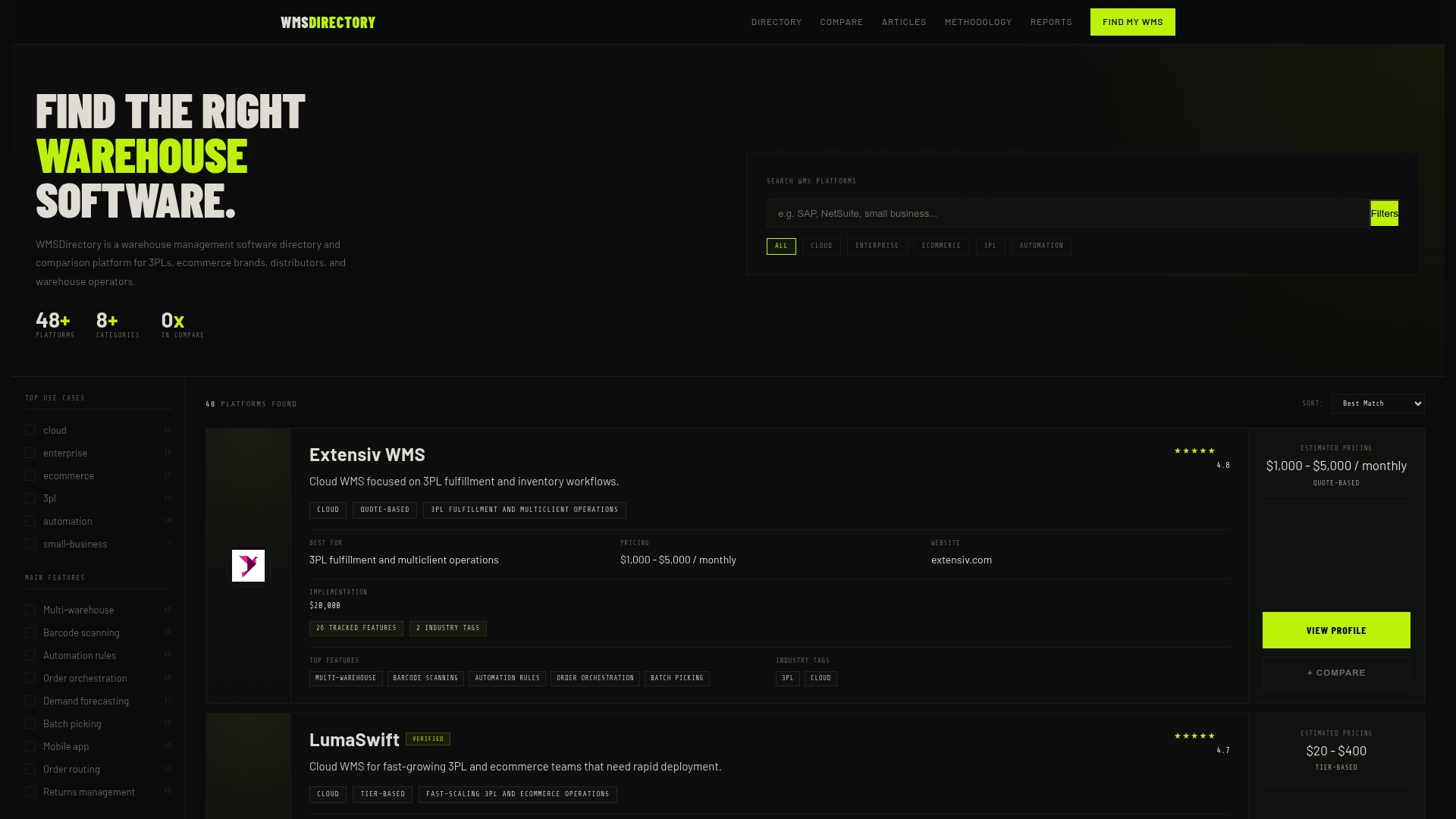
You can compare warehouse management software across dozens of platforms using detailed feature and pricing profiles built specifically for 3PL providers, ecommerce brands, and distributors. If budget is a constraint, you can also see affordable WMS options filtered to match your operational scale. Stop guessing at total cost of ownership and start your evaluation with data that actually reflects how these platforms are priced and deployed in the real world.
Frequently asked questions
What are the most important factors influencing WMS pricing?
WMS pricing is driven by software type, user numbers, and support models, along with deployment type and the complexity of integrations your operation requires.
How do cloud WMS costs compare to on-premises solutions?
Cloud WMS typically has lower upfront costs but can accumulate higher long-term expenses depending on deployment cost implications tied to usage volume, data storage, and subscription escalations over time.
What hidden fees are commonly found with warehouse management software?
Implementation, customizations, and support represent the most significant hidden fees, along with data migration, API integration costs, and premium support tier add-ons.
How can I estimate the total cost of ownership for WMS?
Add licensing, implementation, support, and integration costs across your expected usage period. TCO includes onboarding, ongoing maintenance, and any customization work required to fit your specific workflows.