
The WMS market is projected to hit $9.32B by 2030, and that number tells a story most warehouse operators are still catching up to. Scalable warehouse management systems are no longer a luxury reserved for Fortune 500 distribution centers. Whether you run a mid-size 3PL or a fast-growing eCommerce brand, the ability to expand your WMS without tearing it down and rebuilding is now a baseline competitive requirement. Outdated tools create invisible ceilings, limiting your throughput, your client roster, and your ability to respond to peak demand. This guide breaks down what scalability actually means, what drives the need for it, and how to evaluate solutions that grow with you.
Table of Contents
- Understanding scalable WMS: What it means and why it matters
- Core drivers: Growth, complexity, and the 10 dimensions of warehouse needs
- Cloud vs. on-premise: Cost, flexibility, and risk comparison
- Key features that define a scalable WMS
- The hidden truth: Why scaling is about more than technology
- Ready to scale? Find your ideal WMS platform
- Frequently asked questions
Key Takeaways
| Point | Details |
|---|---|
| Scalability drives ROI | Scalable WMS solutions allow logistics businesses to grow efficiently, boosting profits and reducing bottlenecks. |
| Cloud leads flexibility | Cloud-based systems lower costs and adapt faster to changing business needs than on-premise solutions. |
| Real-world needs vary | Choosing a scalable WMS means matching features to your unique operational complexities and growth plans. |
| Implementation is critical | Success requires aligning technology, processes, and people—not just new software features. |
Understanding scalable WMS: What it means and why it matters
Scalability in a WMS context means the system can handle increasing order volumes, new clients, additional warehouse sites, and evolving process requirements without requiring a full platform replacement or months of custom development. Think of it less like upgrading a car engine and more like switching from a fixed-route bus to a flexible rideshare network. The infrastructure adapts to demand rather than forcing demand to conform to infrastructure.
Non-scalable systems tend to reveal their limits at the worst possible moments. A sudden spike in SKU count during a new product launch, a new 3PL client with unique billing requirements, or a seasonal surge that doubles daily orders can all expose cracks in legacy platforms. The result is not just slower operations. It is missed SLAs, frustrated clients, and costly emergency IT work.
Here is what scalability actually enables in practice:
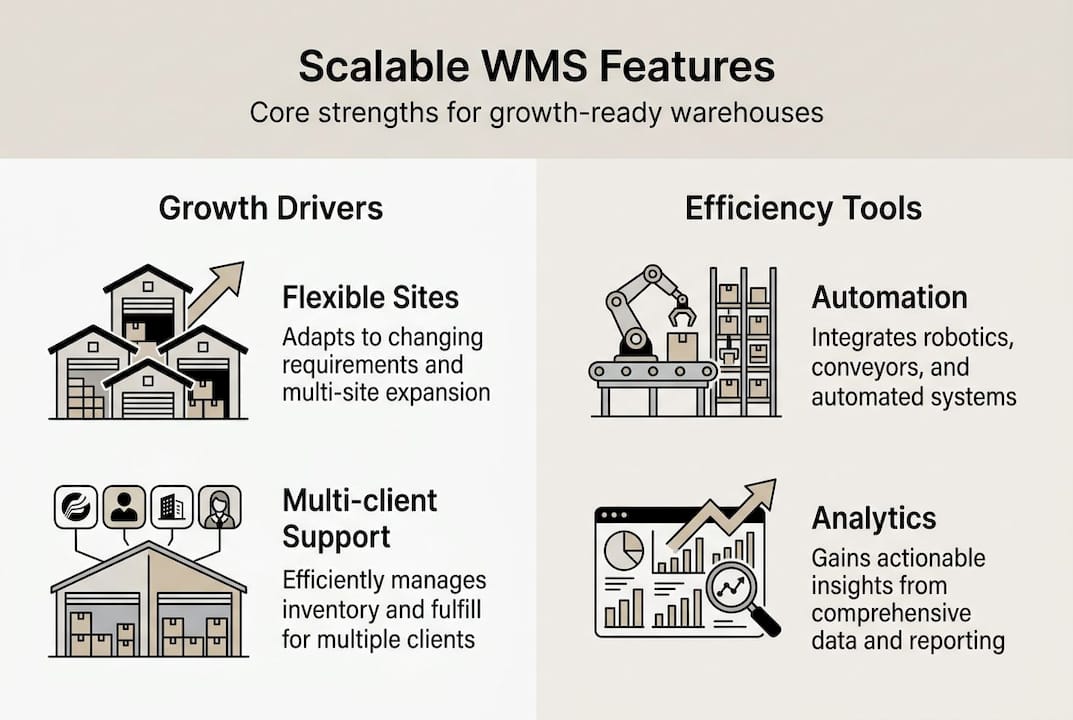
- Volume flexibility: Handle 500 orders a day or 50,000 without reconfiguring core logic
- Client expansion: Onboard new 3PL clients with separate workflows, billing, and inventory rules
- Site growth: Add new warehouse locations without duplicating systems
- Automation readiness: Integrate robotics, conveyor systems, and IoT devices as you invest in them
- Compliance adaptability: Meet new regulatory requirements without custom code each time
The deployment model matters enormously here. Cloud-based WMS dramatically lowers total cost of ownership compared to on-premise systems, and that cost advantage compounds as you scale. On-premise systems require hardware investments, dedicated IT staff, and scheduled upgrade cycles that slow your ability to respond to market changes. Cloud-first platforms, by contrast, push updates continuously and scale compute resources on demand.
Pro Tip: When evaluating any WMS, ask the vendor directly: "What is the process to add a new warehouse site or client?" The answer reveals more about real scalability than any feature checklist. If the answer involves a multi-month implementation project, that is a red flag.
For a broader foundation on how modern WMS platforms work and what separates them, the WMS ultimate guide is a strong starting point before you begin vendor conversations.
Core drivers: Growth, complexity, and the 10 dimensions of warehouse needs
Scalability does not exist in a vacuum. It is a response to real operational pressures that are intensifying across the logistics industry. Understanding what is actually driving complexity helps you prioritize which scalability features matter most for your specific operation.

Gartner's 10 Dimensions of Warehouse Complexity provides a practical framework for mapping your current and future needs. The dimensions cover factors like product variety, order profile, automation level, labor environment, regulatory requirements, and client diversity. Each dimension adds a layer of complexity that a non-scalable system struggles to absorb.
Here is how common growth scenarios map to specific complexity drivers:
| Growth scenario | Complexity dimension triggered | WMS requirement |
|---|---|---|
| Adding a new 3PL client | Client segregation, billing | Multi-client module |
| Entering international markets | Regulatory, language, currency | Global compliance tools |
| Integrating robotics | Automation, labor management | API and WCS connectivity |
| Expanding SKU catalog | Product variety, slotting | Dynamic slotting engine |
| Peak season surge | Order profile, throughput | Elastic processing capacity |
Multi-client 3PLs need separate billing, workflows, and inventory handling for different product types and automation setups, and this is exactly where underpowered systems break down. A single shared workflow that works for one client will create compliance and accuracy problems when applied to a client with hazardous goods, cold chain requirements, or custom kitting rules.
"The warehouses that struggle most during growth are not the ones that lack technology. They are the ones that chose technology that fit their past, not their future." This is the core insight behind complexity-aware WMS selection.
You can use the WMS market trends data to benchmark where the industry is heading, and then compare top WMS platforms against those benchmarks. For a side-by-side feature breakdown, the warehouse software comparison tool at WMSDirectory is built specifically for this kind of structured evaluation.
Cloud vs. on-premise: Cost, flexibility, and risk comparison
Once you understand what is driving complexity in your operation, the deployment model question becomes less abstract. Cloud versus on-premise is not just a technical decision. It is a strategic one with real financial and operational consequences.
| Factor | Cloud WMS | On-premise WMS |
|---|---|---|
| Upfront cost | Low (subscription-based) | High (hardware + licenses) |
| Scalability | Elastic, on-demand | Limited by infrastructure |
| IT maintenance | Vendor-managed | Internal team required |
| Implementation time | Weeks to months | Months to over a year |
| Disaster recovery | Built-in redundancy | Manual backup required |
| Customization depth | Configurable, API-driven | Deep but expensive |
On-premise systems fail at scale due to high upfront costs and data silos, while cloud delivers lower total cost and business adaptability. That is not a vendor sales pitch. It reflects the structural reality that fixed infrastructure cannot flex with variable demand.
Here is a practical process for assessing your deployment needs before you start talking to vendors:
- Map your 12-month growth plan. How many new clients, sites, or SKUs do you expect to add? Systems that require 6-month onboarding cycles cannot keep pace.
- Audit your current IT capacity. Do you have the internal resources to manage servers, security patches, and upgrade cycles? If not, on-premise carries hidden labor costs.
- Identify your peak-to-average order ratio. If your peak volume is more than 3x your average, you need elastic capacity that only cloud architectures provide affordably.
- Evaluate integration requirements. Count the number of external systems (ERP, TMS, carrier APIs, automation hardware) your WMS needs to connect with. Cloud platforms typically offer broader pre-built connector libraries.
- Calculate total cost of ownership over 5 years. Include hardware refresh cycles, IT labor, and upgrade costs for on-premise. Compare against subscription and implementation costs for cloud.
For teams working within budget constraints, affordable cloud WMS options exist that deliver enterprise-grade scalability without enterprise-level price tags. The cloud WMS platforms directory at WMSDirectory filters by deployment model so you can narrow your shortlist quickly.
Key features that define a scalable WMS
Knowing that scale matters is one thing. Knowing which specific features deliver it is what separates a smart WMS selection from an expensive mistake. Not every platform that claims to be scalable actually is, and the gap shows up in the details.
Here are the features that genuinely define scalability in a WMS:
- Multi-client and multi-site support: True client segregation with separate inventory, billing rules, and reporting. Not just folder-level separation.
- Configurable workflows: The ability to build and modify pick, pack, and receiving workflows without vendor involvement or custom code.
- API and automation integration: Open APIs that connect to ERP systems, robotics controllers, carrier networks, and IoT devices without proprietary middleware.
- Language and currency options: Essential for international operations or clients with global supply chains.
- Compliance modules: Built-in support for FDA, HAZMAT, cold chain, and serialization requirements that can be activated as needed.
- Role-based access and audit trails: Critical for multi-client environments where data segregation is a contractual and regulatory requirement.
92% of organizations report profit growth after implementing scalable WMS solutions, and rapid implementation speed is now a core expectation in vendor evaluations. A system that takes 18 months to go live is not scalable by any practical definition, regardless of its feature set.
Pro Tip: Request the vendor's product release history for the past two years. A platform that ships meaningful updates quarterly is investing in its roadmap. One that has not released a major feature update in 18 months may be in maintenance mode, which is a serious risk for long-term scalability.
For 3PL-specific requirements, best WMS for 3PL profiles on WMSDirectory highlight platforms built with multi-client operations as a core design principle, not an afterthought. You can also review top warehouse systems ranked by feature depth and deployment flexibility. The Gartner's WMS dimensions framework is worth bookmarking as a reference checklist during vendor demos.
The hidden truth: Why scaling is about more than technology
Here is the uncomfortable reality that most WMS vendors will not tell you: the majority of failed scaling projects are not technology failures. They are process and people failures wearing a technology mask.
We have seen operations invest in best-in-class platforms and still struggle 12 months post-launch because the warehouse team kept running old workflows in a new system. The WMS was configured to enable dynamic slotting, but supervisors kept manually overriding it because that is how they had always done it. The technology scaled. The operation did not.
True scalability requires three things working together: the right platform, adapted processes, and trained people. Skipping the middle two is the most common and most expensive mistake in WMS implementations. Change management is not a soft skill add-on. It is a hard operational requirement.
The 3PL WMS implementation lessons that separate successful deployments from costly ones almost always come down to how thoroughly the operation redesigned its workflows before go-live, not after. Rushing to launch without process alignment is how you get a $500,000 system running at 40% of its potential.
Ready to scale? Find your ideal WMS platform
You now have a clear picture of what scalability means, what drives the need for it, and what features and deployment models actually deliver it. The next step is matching that knowledge to real platforms.
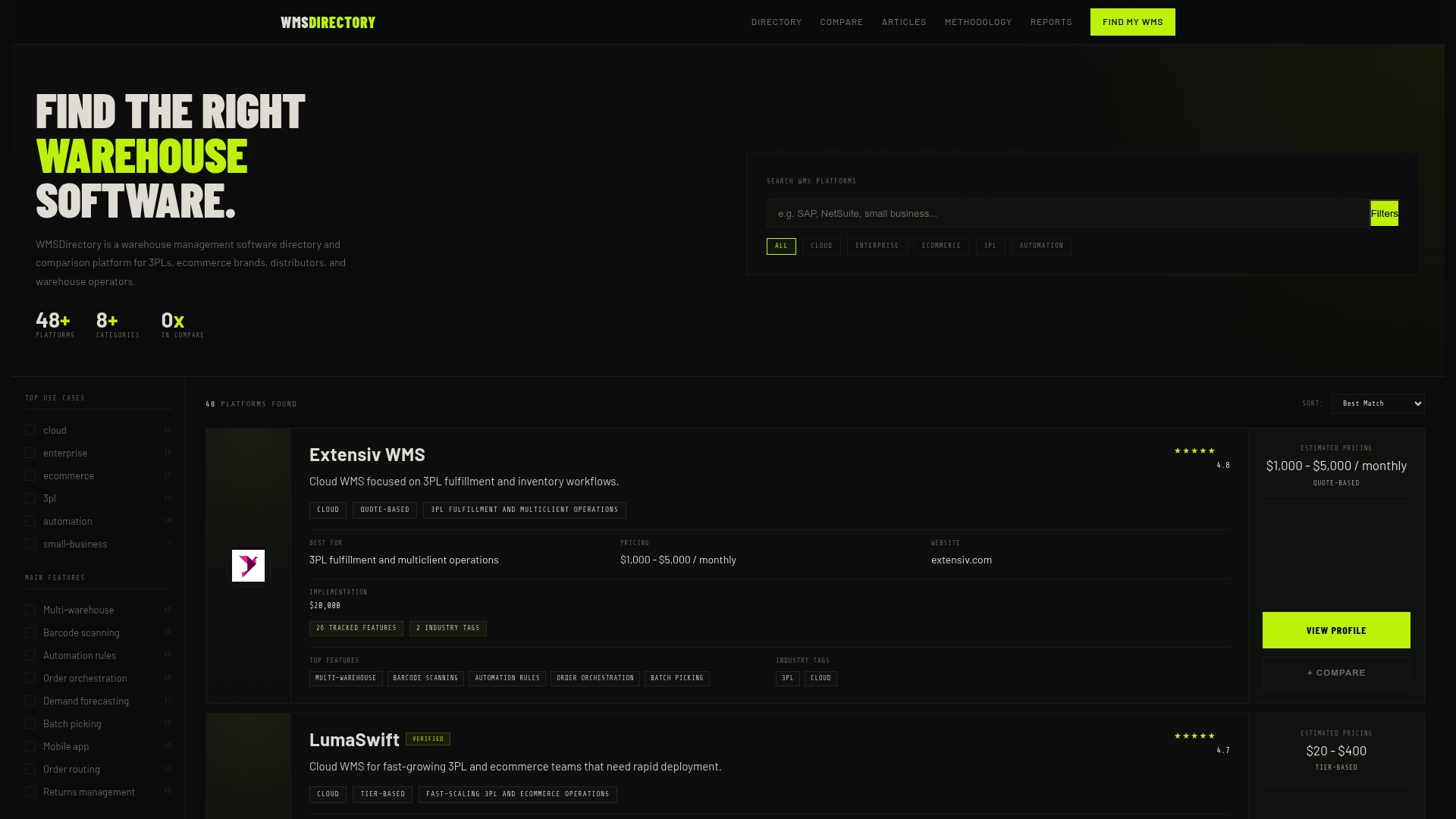
WMSDirectory is built specifically for this evaluation process. You can use the warehouse software comparison tool to filter platforms by deployment model, client type, and feature set. Browse the full list of top WMS platforms ranked for 2026, or explore affordable WMS options if budget is a primary constraint. Every profile includes the details you need to build a shortlist worth your time.
Frequently asked questions
What does 'scalable WMS' actually mean?
A scalable WMS is a warehouse management system that grows with your business, handling more orders, clients, and operational complexity without requiring a full platform replacement. Scalability means adapting to new SKUs, clients, and process complexity as your operation evolves.
How does cloud WMS reduce operational costs?
Cloud WMS eliminates large upfront hardware and licensing costs, shifts IT maintenance to the vendor, and removes the need for internal infrastructure management. Cloud-based WMS lowers total cost of ownership significantly compared to on-premise deployments, especially as your operation scales.
What are the main risks of using a non-scalable WMS?
Non-scalable systems create process bottlenecks, block client or site expansion, and eventually require expensive, disruptive platform replacements at the worst possible time. On-premise WMS creates bottlenecks and rising costs as operational complexity increases.
What features should I prioritize in a scalable WMS?
Prioritize multi-client support, configurable workflows, open API connectivity, and built-in compliance modules. Configurable workflows and multi-client support are the features that most directly determine whether a platform can grow with your operation.